Secure your rental journey with confidence. Log in to easily track, manage, and protect your tenancy caution fees - ensuring your money stays safe, transparent, and fully compliant with housing regulations.
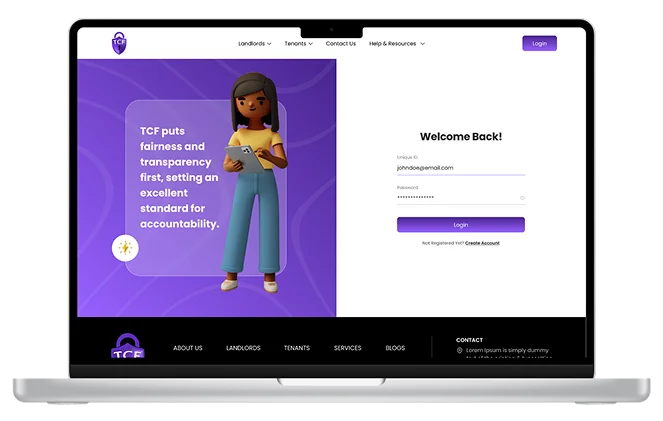
Secure your rental journey with confidence. Log in to easily track, manage, and protect your tenancy caution fees - ensuring your money stays safe, transparent, and fully compliant with housing regulations.
Prefix → Select Mr., Mrs., or Miss. Full Name → Enter your complete name (e.g., John Dadev). Email Address → Provide a valid email (e.g., johndoe@email.com ). Phone Number → Enter your phone number in international format (e.g., +234 98765435676). Verification Type → Choose the ID type you’ll use for verification (e.g., National ID, Passport, Driver’s License).
Prefix → Select Mr., Mrs., or Miss. Full Name → Enter the tenant’s full name. Email Address → Provide the tenant’s email address. Phone Number → Enter the tenant’s phone number in international format.
Tenancy Start Date → Enter the start date of the rental (e.g., 2024-01-01). Tenancy End Date → Enter the agreed tenancy end date. Annual Rent → Type the yearly rent (e.g., ₦100,000). Caution Amount to be Protected → Enter the refundable deposit amount (e.g., ₦5,000). Lagos State Local Government Areas → Select the LGA where the property is located. Rental Property Address → Enter the full rental property address. Tenancy Agreement → Upload a PDF copy of the signed tenancy agreement.
Review all details carefully for accuracy. Click “Submit” (or the site’s equivalent button). Once completed, and after submission and caution fees payment, the fee is officially protected and recorded on the platform.